PhotoPulse
Set a brief. Everyone submits an image, shot on the spot or generated with AI, and the room votes, the winner goes up.
What it is
You set a brief, everyone submits an image, and the room votes.
- Briefs like "symmetry in this building", or "what this topic would look like as a single image".
- Camera mode means shot on the spot, which gets people out of their seats.
- Any mode also accepts an uploaded file, and that is what makes the AI version possible.
- Every image is checked before it reaches the board.
Why it works
Two different lessons, depending on the mode you pick.
- Camera mode makes people look at the real world through what you just covered.
- AI mode makes prompt-writing visible: twenty people, one brief, twenty different images.
- The voting round forces them to justify why one image beats another.
- That argument is the real assessment.
Every screen you will touch, in order.
Real screenshots of the real thing. Swipe, or use the arrows. Nothing here is a mock-up.
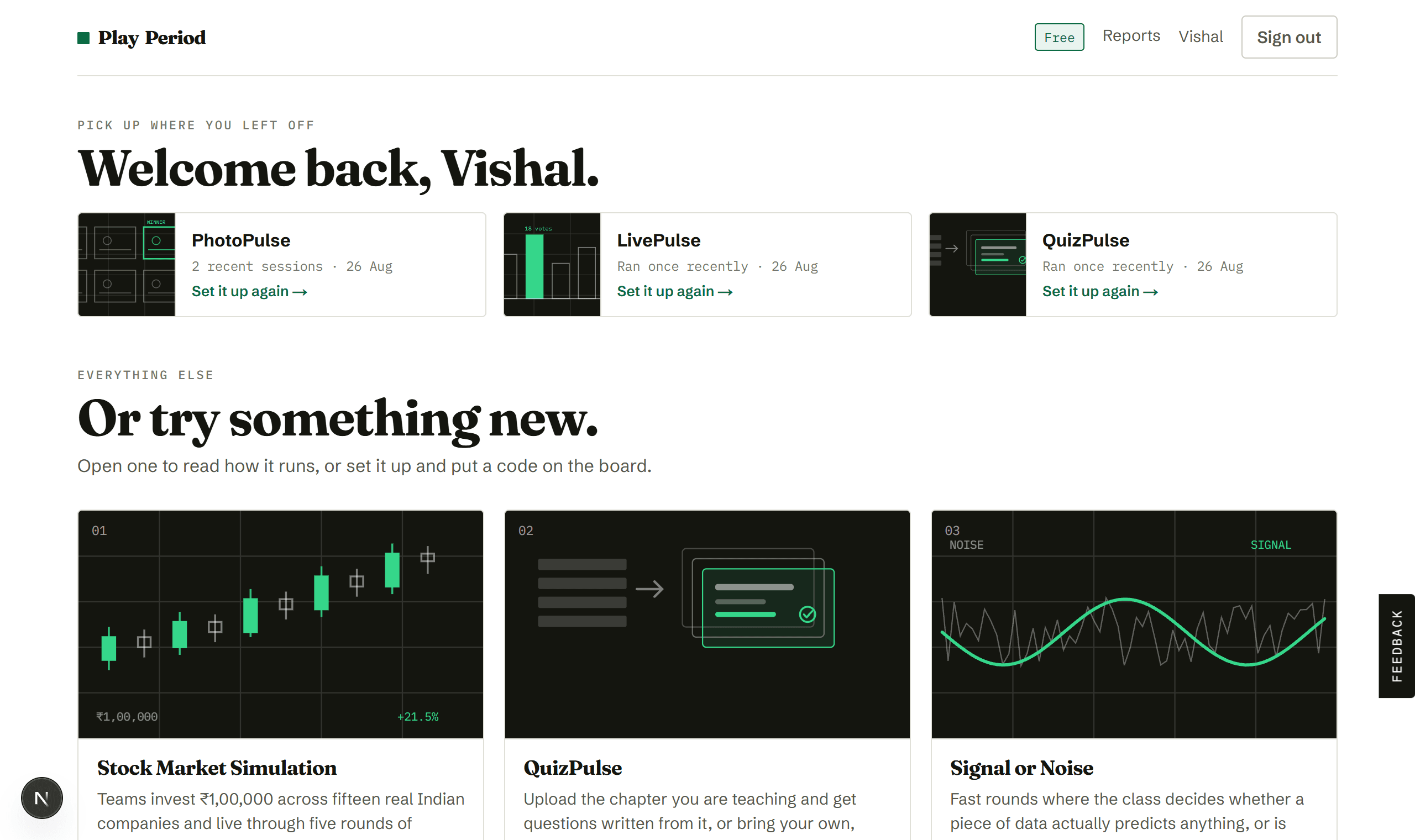
Pick an activity
Your library. Open any tile to read how it runs before committing to it.
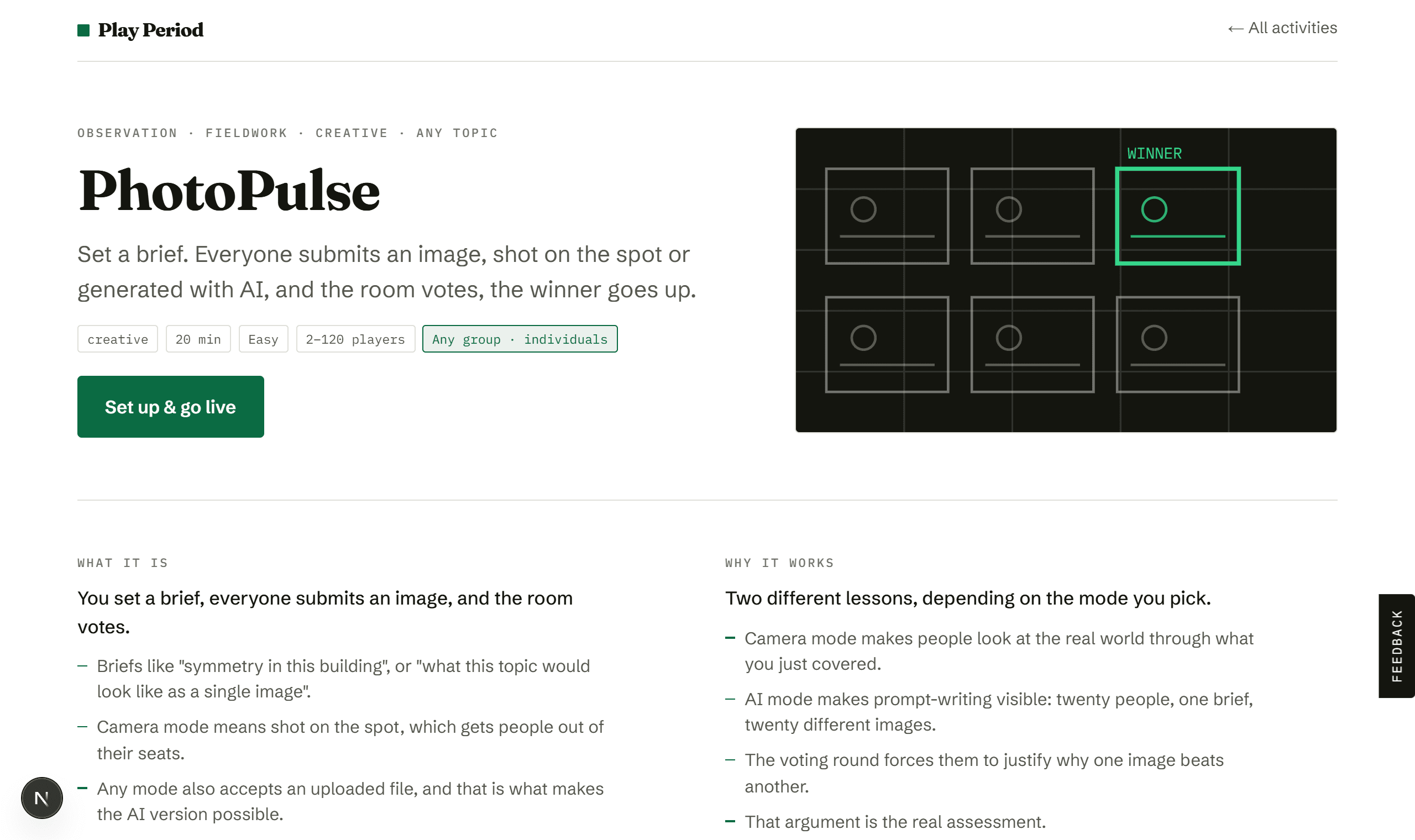
See how it runs
Set a brief, they shoot and upload, everyone votes, winner on the board.
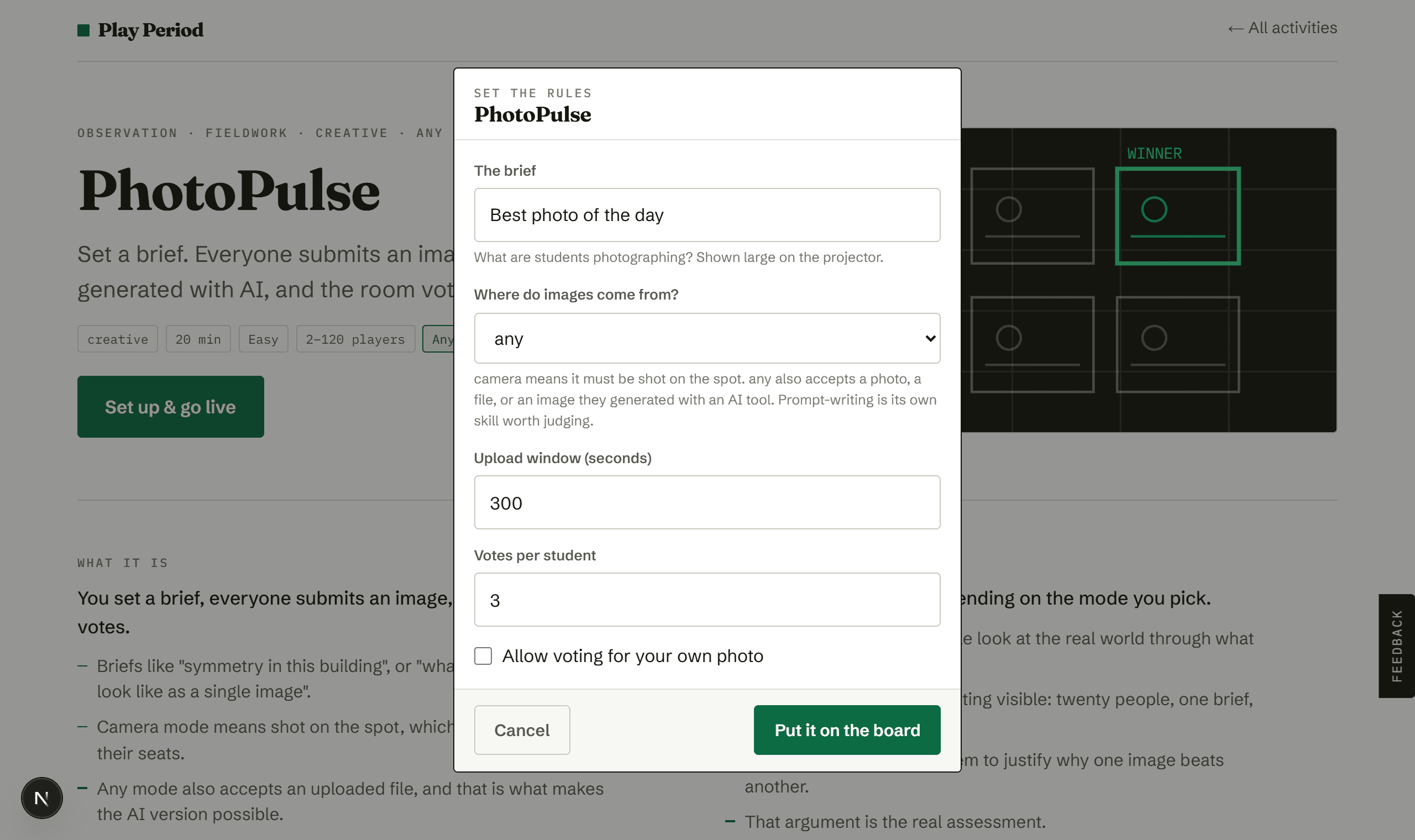
Write the brief
Be specific. "Best photo" gets shrugs; "texture you could not draw" gets effort.
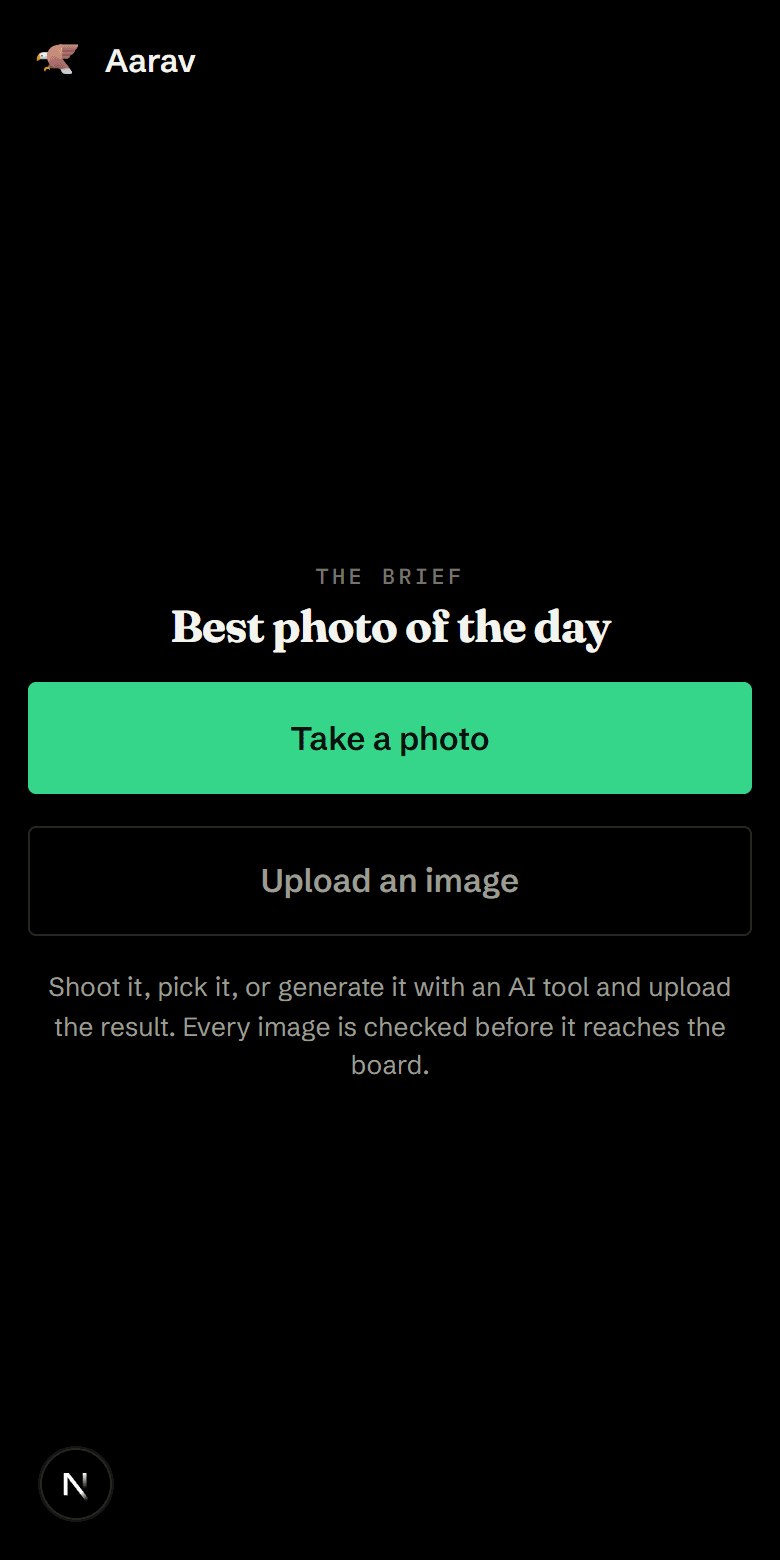
They shoot and upload
Camera opens directly, or upload a file, including an image generated with an AI tool. Everything is shrunk in the browser first, so wifi survives.
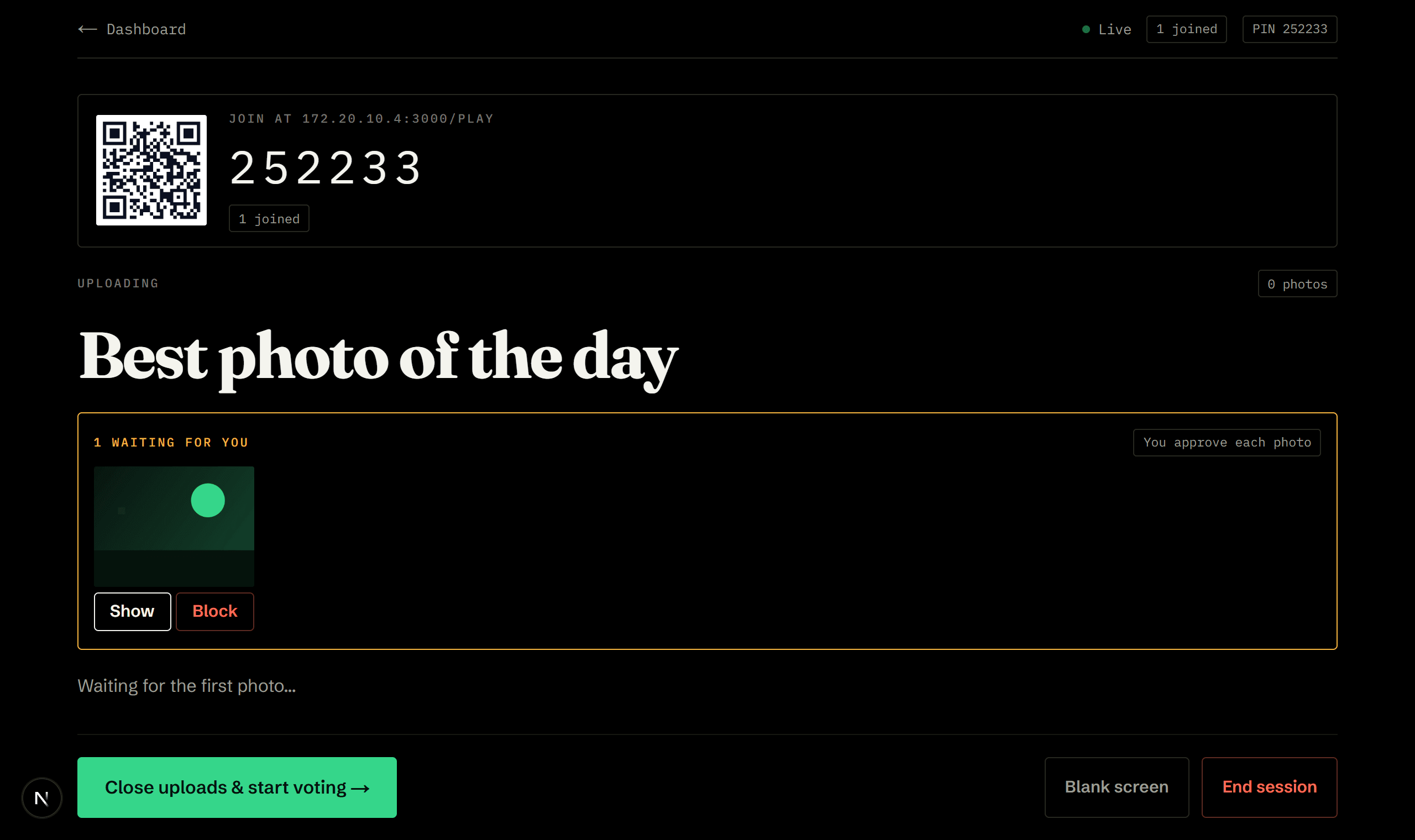
You approve every photo
Nothing reaches the board until you press Show. Say this to the room, because it changes what gets uploaded.
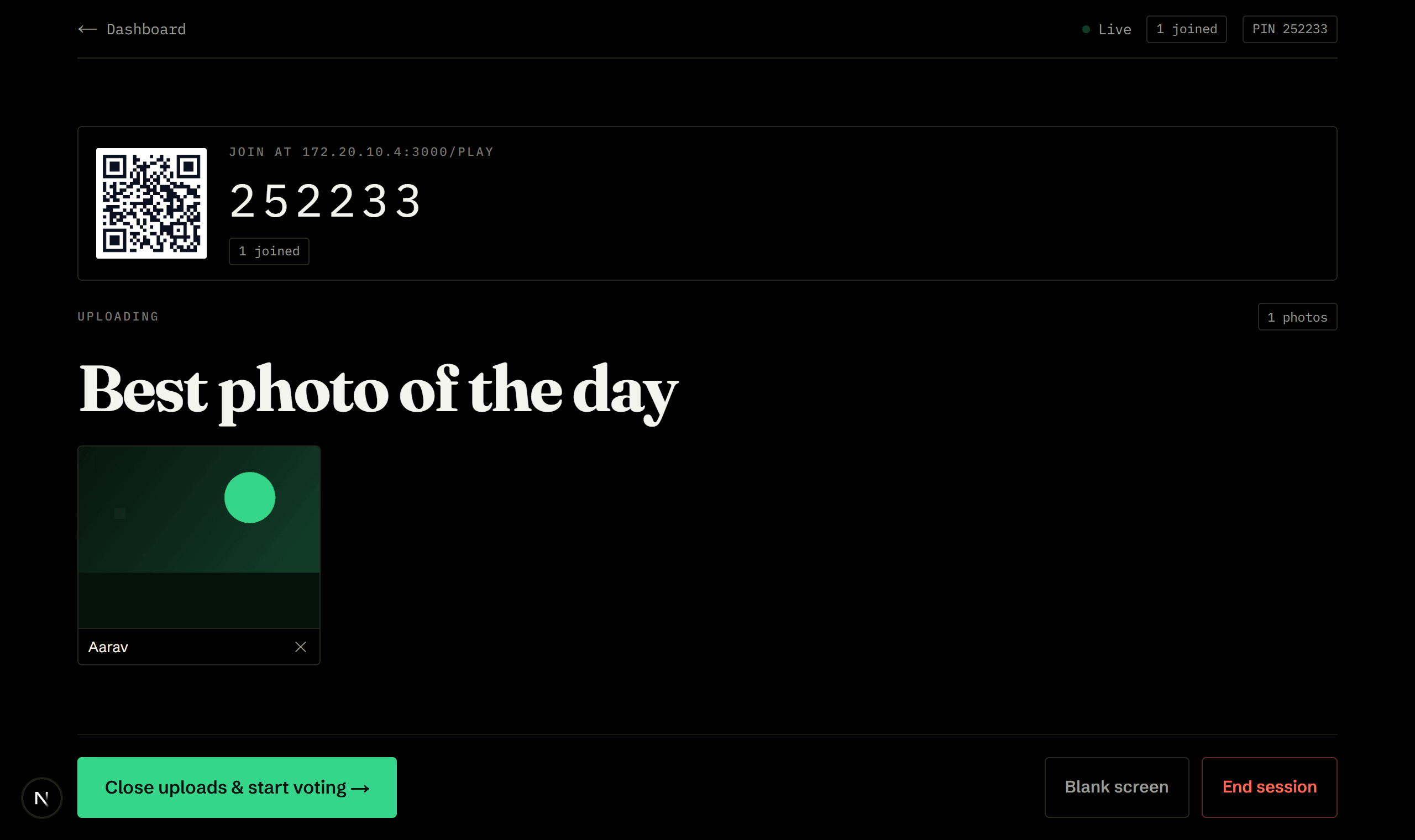
The board fills up
Approved photos only, each with a remove control. Then open voting and reveal the winner.
How a session goes.
- Brief1 min
The prompt goes up on the board with a countdown.
- Create5–10 min
They shoot, pick a file, or generate an image and upload it. Everything waits for your approval before it appears.
- Reviewongoing
Approve or block each photo from a strip on your screen as they arrive.
- Vote3 min
Uploads close. Everyone gets a set number of votes, and cannot vote for themselves.
- Reveal2 min
Winner large on the board, with the rest ranked beneath.
The board shows one thing. Their phone shows another.
- A review strip of everything waiting for approval
- The approved photo grid, with a remove control on every one
- Vote counts, hidden until the reveal
- The winner, full size
- The brief, a camera button, and, unless you locked it to camera, an upload button
- Confirmation their image is waiting for approval
- A voting grid, with their own photo marked and locked out
- How many votes they have left
What we would tell you over tea.
- Nothing reaches the board unapproved. You clear every image first. Say so out loud; it changes what gets submitted.
- Three votes each works better than one. It forces comparison rather than picking a friend.
- Give a specific brief. "Best photo" gets shrugs; "texture you could not draw" gets effort.
- For the AI version, ask the winner to read out their prompt before you reveal the vote. That is the whole lesson in thirty seconds.
- Running both in one session works well: same brief, camera round first, AI round second, then argue about which images are better and why.
Ready when you are.
Making an account takes a minute, and the whole library opens with it.